Website builder for Medical Practices
A practice website patients can actually use
Most practice websites are built once and left, so patients ring reception to ask things the site should answer: opening hours, whether you take their insurance, how to get a repeat prescription. Ajify makes those editable by whoever is on the desk, which is what keeps them accurate.
A website builder for medical practices, clinics and private consultants shares one rule: answer the questions patients currently phone reception to ask.
Build your site free No card required
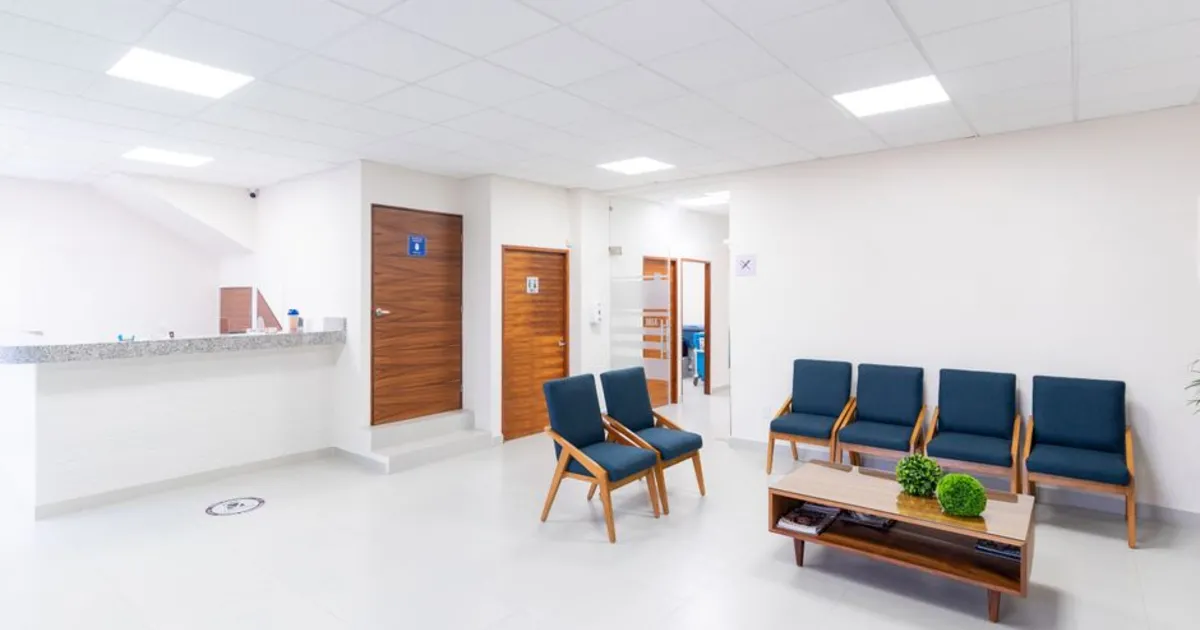
Photo via Pexels
What Medical Practices get
Services and specialties
What the practice treats, in language patients use.
Clinician profiles
Qualifications, registrations and areas of focus.
Hours and appointment routes
Including out-of-hours arrangements.
Patient information
Registration, prescriptions, results and referrals.
How to build a website for medical practices
-
1
Answer the reception questions
Look at what patients actually phone to ask and put those answers on the site. It cuts call volume immediately.
-
2
State insurance and payment clearly
Which schemes you accept, and what a self-pay consultation costs. It is the most common pre-booking question.
-
3
List clinician registrations
Patients and regulators both check. Making them easy to find is straightforward credibility.
-
4
Publish out-of-hours arrangements
A patient looking at eight in the evening needs to know what to do tonight, not tomorrow.
-
5
Keep patient data off the website
Appointment booking and any clinical information belong in your practice-management system, not in a web form.
What your site needs
- Services in plain patient-facing language
- Clinician profiles with registration numbers
- Opening hours and out-of-hours arrangements
- Insurance schemes accepted and self-pay fees
- How to register as a new patient
- Repeat prescription and results processes
- Accessibility and parking information
Mistakes that cost medical practices enquiries
Clinical jargon patients do not use
People search their symptom, not its clinical name. Write for the patient.
No out-of-hours information
The highest-anxiety visit to a practice site happens outside opening hours.
Collecting health details in a web form
A brochure site is not an appropriate channel for patient data. Route it through your clinical system.
Common questions
What is the best website builder for a medical practice?
The best website builder for a medical practice is one reception staff can update, because stale hours generate phone calls. Ajify allows that. Keep bookings and any patient data in your clinical system — a public website is not the place for it.
Is this suitable for patient data?
No, and it should not be used that way. Keep bookings and any clinical information in your practice-management system. This is the public-facing site only.
Can we link our booking system?
Yes, link whatever system you already use rather than duplicating it.
Can reception staff update it?
Yes, which is what keeps hours and notices accurate.
A practice website earns its keep by answering the questions that otherwise become phone calls. Hours, insurance, registration, prescriptions, out-of-hours. Keep patient data in the clinical system where it belongs.
Start building
Free to start, no card required, and your site stays yours.
Create your free site