Website builder for Contractors & Trades
Proof of work, service area, and a way to get a quote
Homeowners checking out a contractor want three things: photos of finished jobs, confirmation you cover their area, and a way to ask for a quote. Ajify gets that live without a marketing agency, and you can add job photos from your phone on the way back from site.
Whether you search for a website builder for construction, for contractors, or for a construction company, the winning site is the same: before and after photos, named service areas and a tappable phone number.
Build your site free No card required
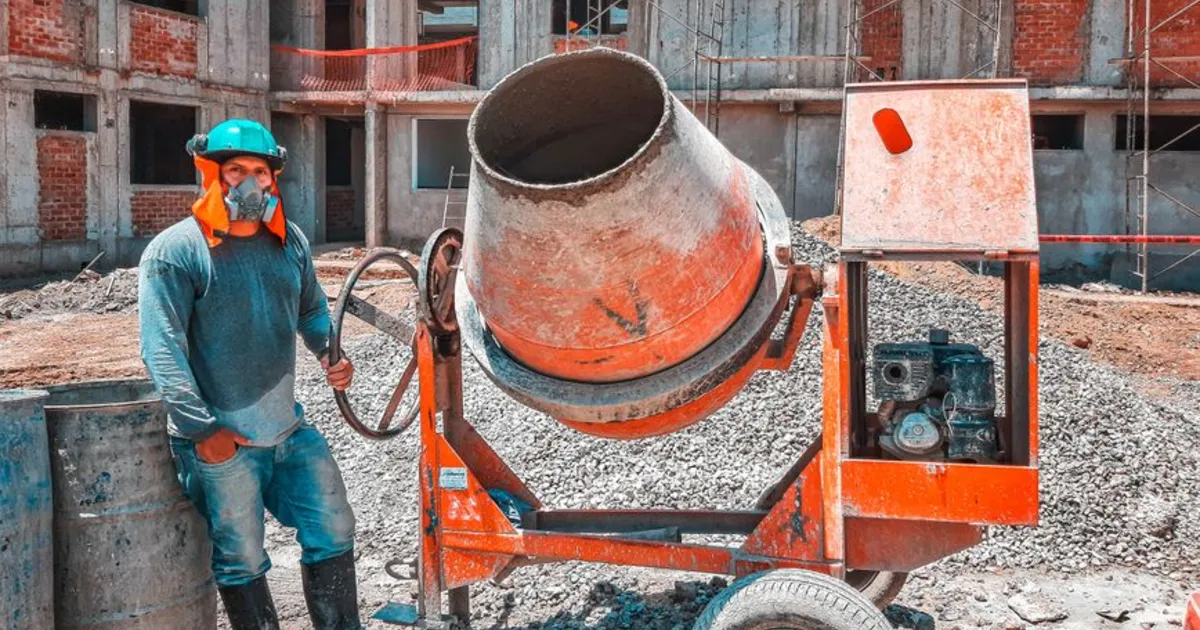
Photo via Pexels
What Contractors & Trades get
Before and after galleries
The single most persuasive thing on a trades website.
Service area pages
Name the towns you cover — this is what local search actually matches.
Licence and insurance details
Publish the numbers homeowners and inspectors ask for.
Quote request form
Job type, address and timeline captured in one go.
How to build a website for contractors & trades
-
1
Photograph every job
Two minutes before you start and two after you finish. Within a year you have a portfolio no competitor can match, built at zero cost.
-
2
Name your towns explicitly
Not "the greater metro area". List the actual towns. That literal match is what local search runs on.
-
3
Put licence and insurance on the page
Homeowners have been burned. Publishing the numbers before they ask separates you from whoever did not.
-
4
Answer the price question honestly
A typical range for common jobs. "Every job is different" is true and also the fastest way to lose someone to a competitor who gave a number.
-
5
Make the phone number tappable
Trades enquiries are overwhelmingly mobile and often urgent. If dialling takes more than one tap you will lose calls.
What your site needs
- Before and after photos from at least ten jobs
- A list of the towns and postcodes you cover
- Licence number and insurance confirmation
- Typical price ranges for your common jobs
- Tap-to-call number in the header
- Quote form capturing job type, address and timeline
- Reviews with first name and town
Mistakes that cost contractors & trades enquiries
Stock photos of other people's work
Homeowners can tell, and it destroys the trust the rest of the site is trying to build.
No service area named
People search "electrician in [town]". If the town is nowhere on your site, you cannot match.
A contact form as the only route
Someone with a leak is calling, not filling in a form. Give them a number they can tap.
Common questions
What is the best website builder for contractors?
The best website builder for a construction company is whichever one lets you add job photos from your phone on the way back from site. Ajify does, and that habit builds a portfolio no competitor can match within a year.
Can I add photos from my phone?
Yes — upload from a phone browser straight after a job.
Will this help me show up locally?
It helps, particularly service-area pages. Pair it with a Google Business Profile.
Do I need to be technical?
No. If you can attach a photo to a text message you can update this.
Your phone camera is the most valuable marketing tool you own. Photograph the work, name the towns, publish the licence and give people a number they can tap. That beats a professionally designed site with none of those things, every time.
Start building
Free to start, no card required, and your site stays yours.
Create your free site